
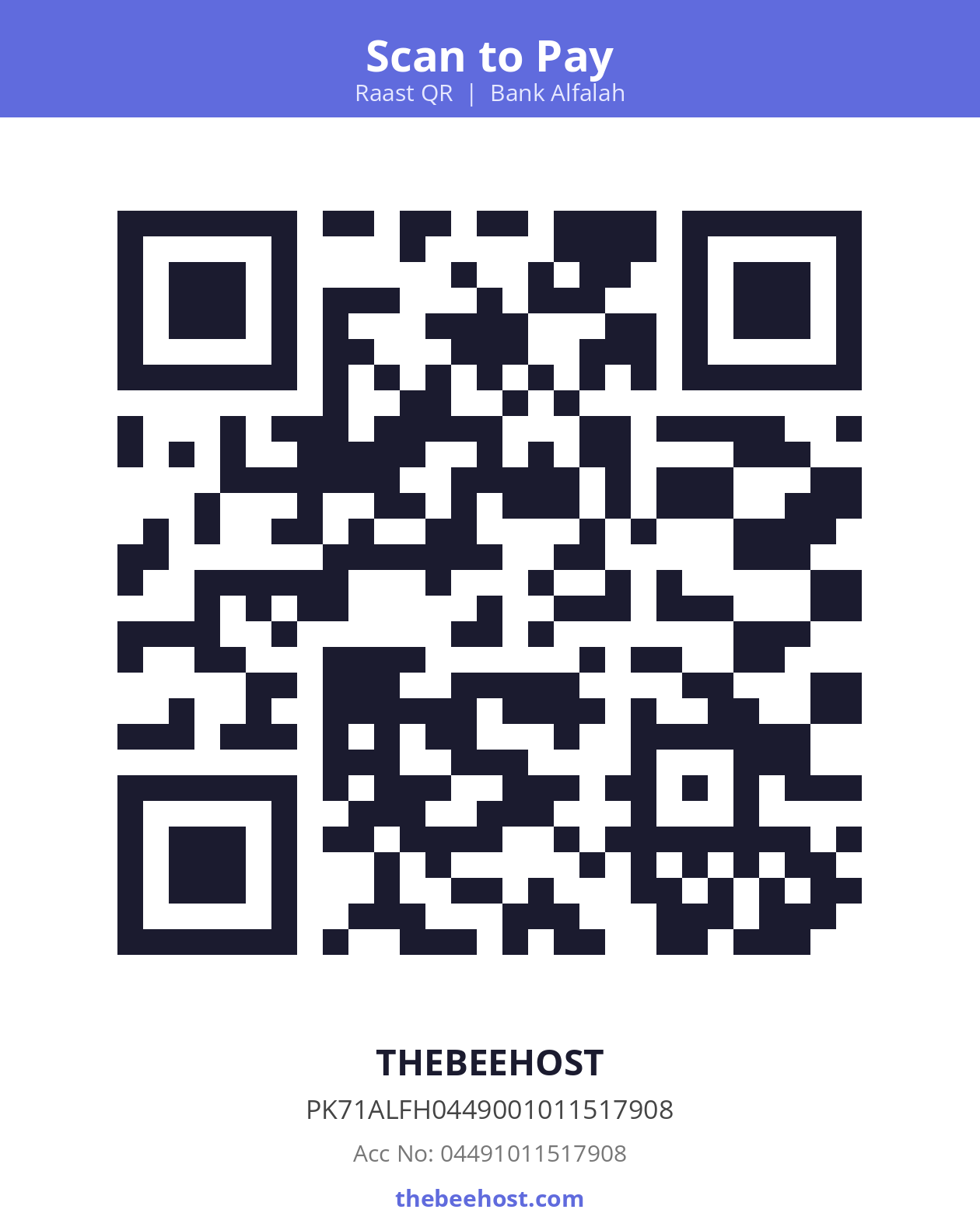
2. Bank Transfer
You can also transfer manually using these bank details (they are also shown with copy buttons above):
Account Title: THEBEEHOST
Account Number: 04491011517908
IBAN: PK71ALFH0449001011517908
Bank: Bank Alfalah
Instructions:
After making the payment, take a screenshot of the payment confirmation.
Email the screenshot with your invoice number to [email protected] for payment verification.
3. JazzCash
To pay using JazzCash:
Quicker: tap Scan QR in the app and scan the TheBeeHost QR code above, then enter the amount.
1. Open the JazzCash app.
2. Use the Money Transfer payment option.
3. Enter our bank details provided above.
4. Complete the transaction and take a screenshot of the payment.
Instructions:
Email the payment screenshot to [email protected] for confirmation.
4. EasyPaisa
To pay using EasyPaisa:
Quicker: tap Scan QR in the app and scan the TheBeeHost QR code above, then enter the amount.
1. Open the EasyPaisa app.
2. Click on the Send Money > Bank Transfer option.
3. Enter our bank details provided above.
4. Complete the transaction and take a screenshot of the payment.
Instructions:
Email the payment screenshot to [email protected] for confirmation.
For currency conversion from US Dollars to Pakistani Rupees, use the following Currency Converter.